FPV workshop
Learn it. Build it. Diagnose it. Fly it.
Start with simulator skill and a compatible system. Stay for exact build blueprints, bench diagnosis, current video hardware, open-source flight stacks, and the chapters that put pilots on a start line.
 LEARN · BUILD · DIAGNOSE · RACE
Your starting decision
The aircraft is not the first purchase.
FPV combines control, video, power, software, and pilot skill. Choose the type of flying first, train on the radio you plan to keep, then check compatibility before buying the quad.
FPV pathfinder
Build a route before you build a cart.
Your recommended route
Build control skill before buying speed.
The no-regret path is radio, simulator, compatibility check, then a small aircraft that can take repeated practice.
Start on the simulator. Every crash there is free, reversible, and useful.
- 01 / Muscle memoryUse a real radio in a simulatorLearn throttle, orientation, coordinated turns, and recovery without putting an aircraft in the repair queue.
- 02 / Control linkChoose the radio before the aircraftA good radio works in the simulator now and binds to future aircraft later. Protocol and hardware band must match.
- 03 / System checkProve every component can talkCheck the radio, receiver, goggles, video transmitter, battery cell count, and connector before checkout.
- 03 / First aircraftStart with a microdrone you can afford to crashA Tinywhoop or durable micro gives you more repetitions, less repair time, and a smaller consequence radius.
Seven guides
Jump to the part you need
The learning path works best in order, but these guides do not have to. Go straight to the build, repair, video, software, or community help you need.
The four phases
Every reliable FPV path follows the same order.
 01 / Simulator
Learn the sticks where crashes are free
Use a real radio in acro mode. Build throttle control, orientation, turns, and recovery before an aircraft enters the equation.
Choose a simulator 02 / System
Choose the control and video ecosystems
The radio must match the receiver. The goggles must match the video transmitter. Buy systems, not isolated parts.
Run compatibility 03 / Aircraft
Start smaller and more repairable than instinct suggests
A microdrone produces more repetitions with less consequence. A custom build makes sense once the component chain is clear.
Choose a first aircraft 04 / Field
Turn simulator skill into a controlled session
Bring a spotter, three charged packs, a clear operating area, and one objective per battery. Finish with a post-flight inspection.
Plan the first flightBuying rules, checked October 2, 2026
Where FPV meets the FCC and the NDAA
Most FPV gear is made overseas. In December 2025 the FCC added foreign-made drones and critical drone components to its Covered List, which blocks new FCC authorizations for them. Gear the FCC authorized before then stays legal to buy, sell, and fly. A separate FCC rule takes effect October 13 for future authorizations, and the FCC says it does not affect equipment already authorized. Our DJI ban explainer walks through the Covered List, and the FCC status checker looks up a model or FCC ID.
American-made FPV exists, but mostly in defense work. A few component makers sell U.S.-built parts to hobbyists. Fat Shark's NDAA-compliant HDO+ analog goggles, for example, are listed by Lumenier at $980 and described as built in the USA. Our American-made drones guide and NDAA and Blue UAS guide explain how to read those labels.
How the parts connect
Three systems must work together
Every box below must connect. A component can be excellent and still be useless in the wrong ecosystem, hardware band, battery voltage, or connector family.
Ready-to-fly kits hide most of these connections. Bind-and-fly and DIY builds make you responsible for them. Check the parts before assuming two products work together.
Check compatibilityOwning an FPV drone
After the simulator, learn the bench work
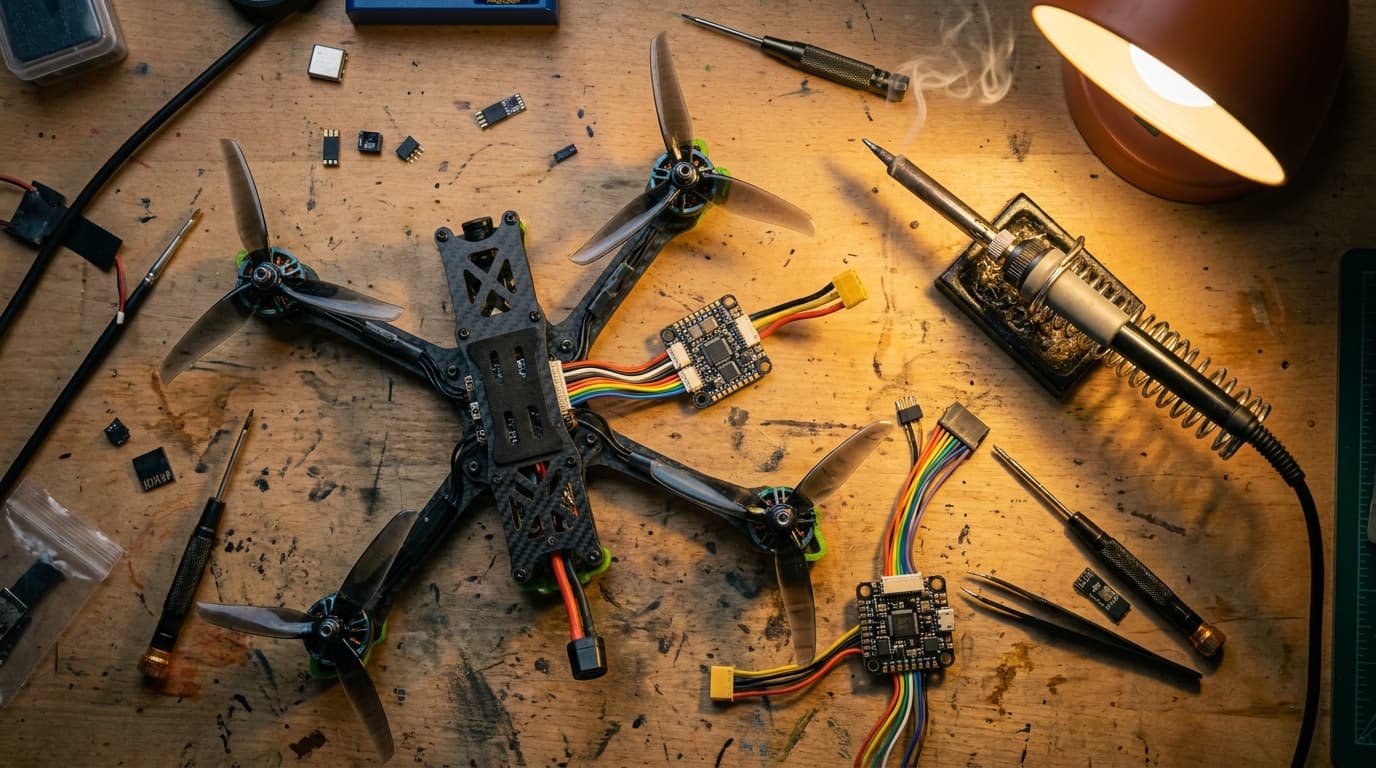
FPV ownership includes loose LiPo batteries, firmware, radio links, backups, propellers, solder joints, and crash repairs. Learn these four basics before you power up a real quad.
- 01PowerCalculate pack voltage, charge current, energy, storage state, and airline limits while keeping damaged packs out of the charge queue.
- 02ConnectMatch hardware band and firmware generation, bind deliberately, connect CRSF, understand model match, and test the link before flight.
- 03ConfigureBack up the aircraft, check the receiver channels, assign modes, verify the motors, and test failsafe with the propellers removed.
- 04RecoverTriage the battery, frame, motors, electronics, control link, and video system before tuning or returning the aircraft to flight.
Once the power, link, and flight controller pass, use the three-battery first-flight plan. Goggles also change the legal crew setup, so review visual-line-of-sight, observer, TRUST, registration, Remote ID, and FRIA considerations in the FPV flight rules guide before the first field session.