Skip to content
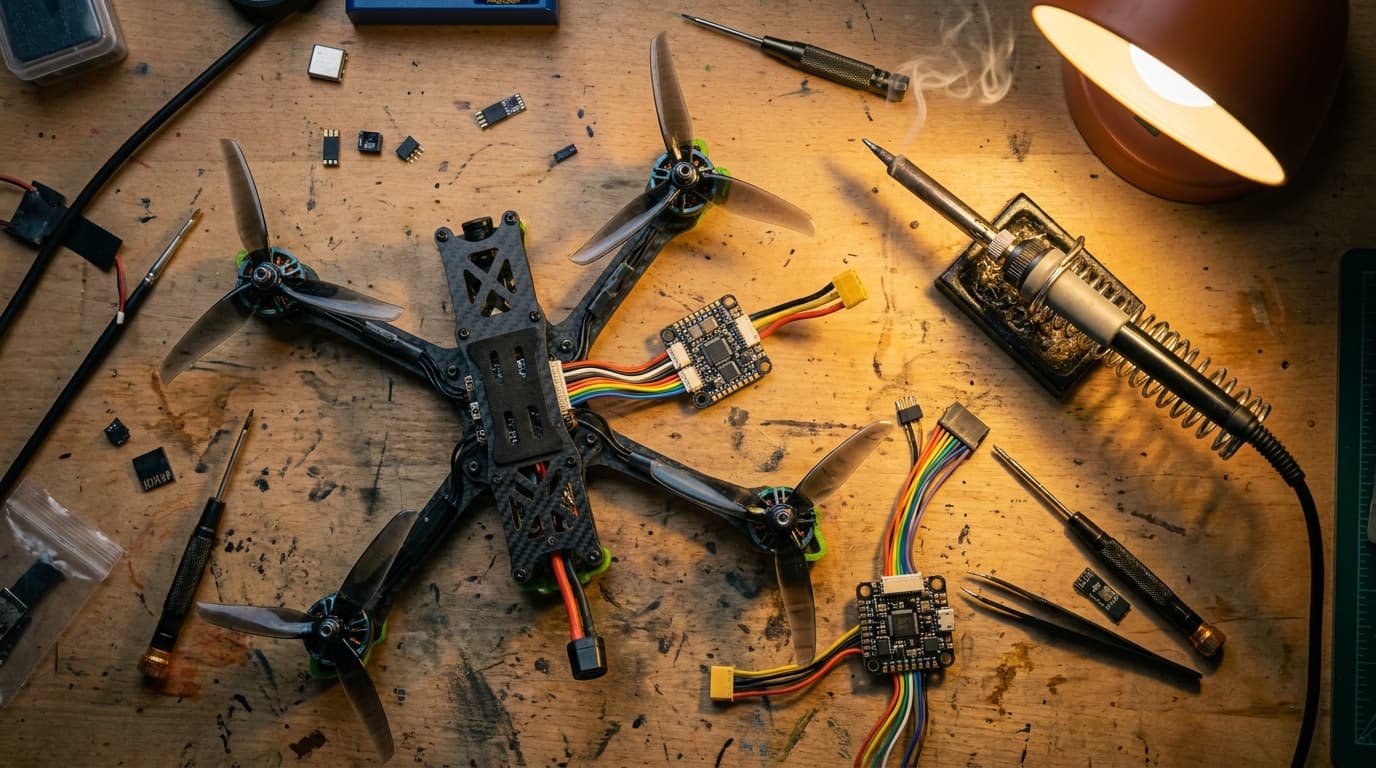
FPV quadcopter components organized on a workbenchCONTROL · VIDEO · POWER

FPV bench · compatibility

Stop buying FPV parts that cannot talk to each other

One quad carries three separate buying decisions: the control link, the video link, and the battery system. Match each layer before checkout, then finish the physical-fit and firmware work on the bench.

Cart check

Will this FPV setup work together?

Match the control link, video link, and flight battery. Product names are not enough; protocol, band, generation, voltage, and connector all matter.

1. Control link

The receiver in the aircraft must speak the exact protocol and frequency band produced by the radio.

2. Video link

The camera and VTX transmit one ecosystem. The goggles must receive that same ecosystem directly or through documented receiver hardware.

3. Flight battery

Voltage and connector must match the aircraft specification. The tool removes connector combinations that are not normal for the selected cell count.

Aircraft requires

Battery in cart

Before the product page

Four package labels, four different missing-parts problems

The label is a starting clue, not a guarantee. Read the package contents and selected variant before relying on it.

RTF
Ready to fly
Normally includes a matched aircraft and radio, often with goggles or a screen. Replacement parts still need the exact kit revision.
BNF
Bind and fly
A receiver is installed. You supply a radio with the same protocol and band, plus the correct goggles and batteries.
PNP
Plug and play
The flight electronics are assembled, but the control receiver is normally missing. Choose, install, and configure one.
DIY
Built from parts
You own every interface: frame fit, motor and prop pairing, FC and ESC, receiver, VTX, camera, antennas, battery, firmware, and tune.

After delivery

The bench order that preserves a working quad

Change one layer at a time. Keep a recoverable baseline before firmware, wiring, or tune work.

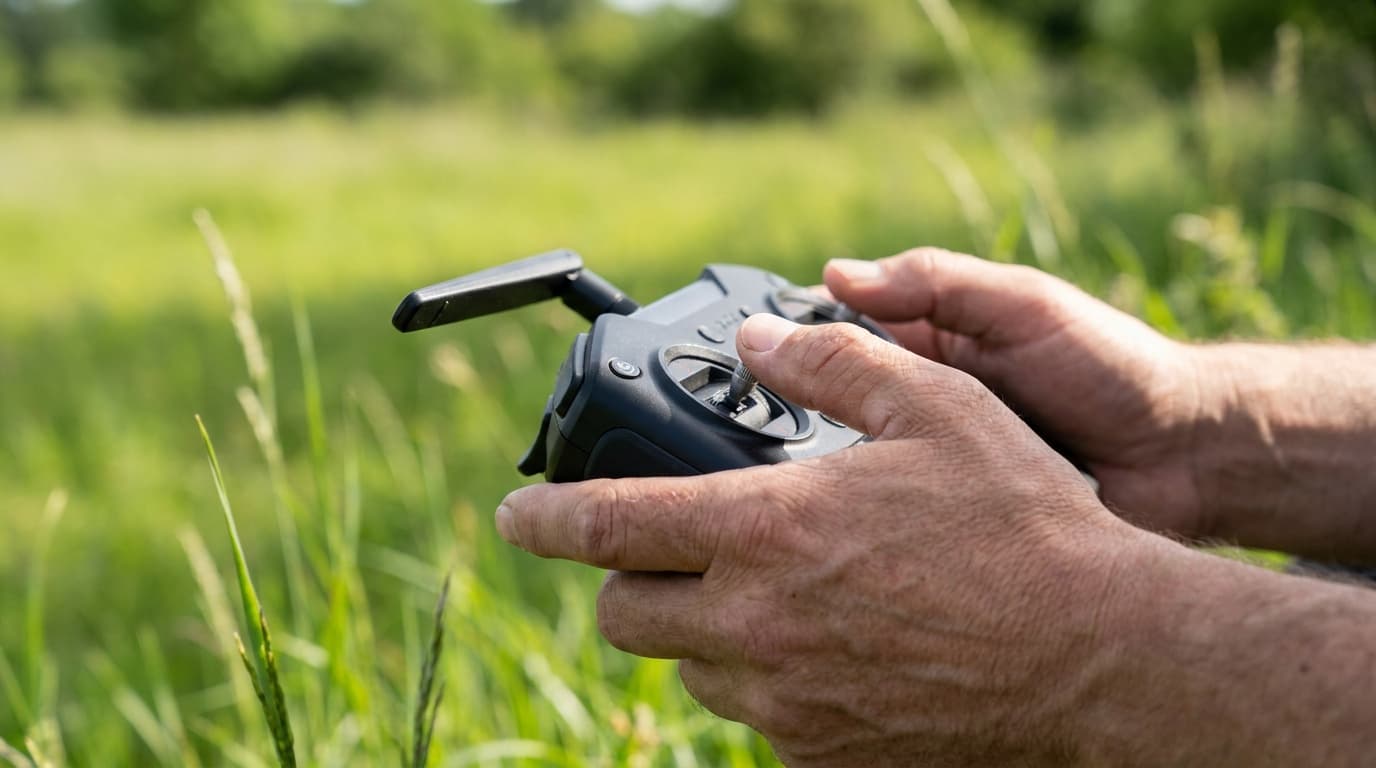
FPV radio controls ready for a props-off setup check
  1. 01

    Freeze the exact SKU

    Save the product page and order line. Receiver, video, cell count, frame revision, and included accessories can change under one family name.

  2. 02

    Photograph the wiring

    Before unplugging anything, capture both sides of every board, UART labels, motor order, antenna routing, and battery lead polarity.

  3. 03

    Back up the flight controller

    Record the target and firmware version, then save a Betaflight diff all. Keep the original manufacturer CLI file when one exists.

  4. 04

    Remove every propeller

    Binding, receiver setup, motor order, direction, modes, and failsafe are bench tasks. An unexpected arm should not create thrust.

  5. 05

    Prove each link separately

    Check radio input and failsafe, then video and OSD, then battery voltage and current sensing. Do not debug three systems at once.

  6. 06

    Rebuild flight readiness

    Confirm prop direction, fasteners, antennas, balance, center of gravity, GPS and Remote ID when installed, then use a restrained first hover.

Primary-source desk

Use the live documentation when firmware changes

Compatibility data was checked July 20, 2026. The links below are the authorities for binding, firmware, video generations, and battery handling.

  • ExpressLRS binding and firmware compatibility

    Major firmware versions and hardware bands must match before any binding method can work.

    Official source
  • Betaflight CLI backup and restore

    Use diff all before changes and do not paste a backup blindly across firmware versions.

    Official source
  • DJI O4 Air Unit support

    Official goggles, controller, Betaflight, installation, cooling, and replacement guidance.

    Official source
  • DJI O3 Air Unit support

    Official goggles and controller compatibility, activation, firmware, voltage, and camera limitations.

    Official source
  • Walksnail Avatar download center

    Current firmware, update procedures, manuals, CLI files, and system-specific utilities.

    Official source
  • HDZero goggle operation

    Native HDZero reception plus the documented analog input and expansion-module paths.

    Official source
  • BETAFPV battery safety

    Charging environment, supervision, damage checks, cooling, storage, and transport basics.

    Official source

FPV compatibility questions

The expensive assumptions to remove first

Can an ExpressLRS 2.4 GHz radio bind to a 915 MHz ELRS receiver?
No. They use different radio hardware and frequency bands. The ELRS name and a matching binding phrase do not bridge a 2.4 GHz and 868/915 MHz hardware mismatch. The transmitter and receiver also need compatible ELRS major firmware versions.
Can any digital FPV goggles receive any digital video transmitter?
No. DJI, Walksnail Avatar, and HDZero are separate video ecosystems. A digital label or 5.8 GHz frequency does not make them interchangeable. Some goggles accept HDMI or analog input through extra receiver hardware, but that is an adapter path, not native compatibility.
Can I use a battery if the connector fits but the cell count is wrong?
No. Cell count determines nominal and fully charged voltage. A matching connector does not make the voltage safe. Match the aircraft's documented cell count first, then connector, capacity, discharge rating, dimensions, weight, and center of gravity.
What is the difference between RTF, BNF, PNP, and DIY?
RTF usually includes a matched aircraft, radio, and viewing path. BNF usually includes a receiver but expects a compatible radio and often separate goggles. PNP normally omits the control receiver. DIY requires every compatibility layer to be chosen and installed. Manufacturers use these labels inconsistently, so the package contents still control.
Can I restore a Betaflight diff after updating firmware?
Only with care. Betaflight warns against pasting a diff or dump from one firmware version into another because variables and valid ranges change. Save diff all before changing anything, record the flight-controller target and version, and rebuild or migrate settings deliberately after an update.