FPV setup
Set up Betaflight without guessing
Use the configurator to check one system at a time. Save the current setup, check each signal in order, and leave the propellers off until every bench check passes.
 STABLE 2026.6.2 · PROPS OFF
By Joel Kelly
Setup order
Check one system before moving to the next
A successful bind does not mean the setup is complete. A moving 3D model does not mean the aircraft is ready to fly. The checklist below gives you eight checks with a clear result for each one.
Props-off checklist
0 / 8
Step 01
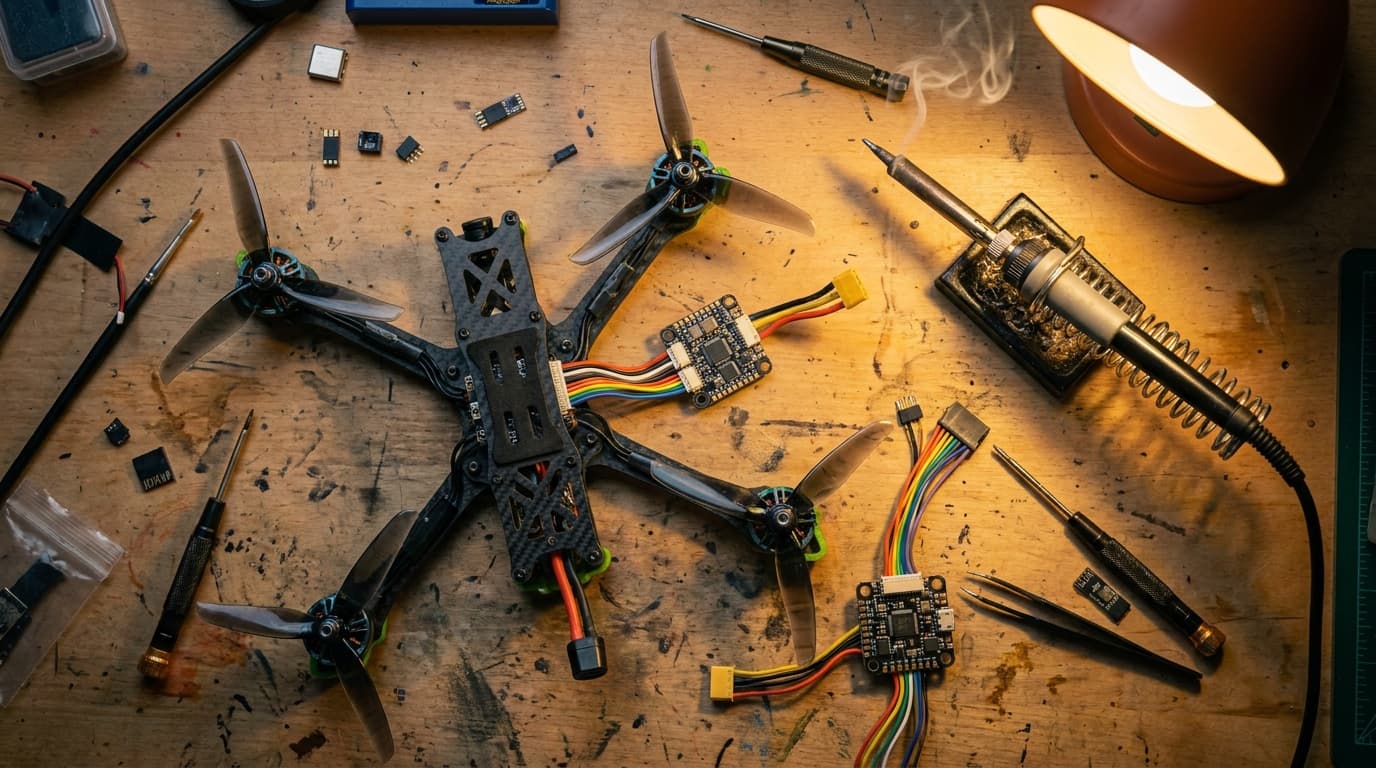
Not flight-readyRemove every propeller
Do this
Take all propellers off before USB setup, motor tests, receiver work, or failsafe testing.
Result before moving on
The motor shafts are visibly bare.
A checklist cannot identify your board target or replace its manufacturer diagram.
Receiver reality check
The Receiver tab should tell one coherent story.
Ports
PassSerial RX is enabled only on the receiver UART
StopMSP and Serial RX compete on the same UART
Receiver
PassRoll, pitch, yaw, and throttle move correctly
StopA channel is reversed, stuck, or mapped to the wrong stick
Endpoints
PassCenters near 1500; ends near 1000 and 2000
StopARM cannot reliably enter or leave its switch range
Failsafe
PassSignal loss is detected and reaches the planned outcome
StopThe receiver keeps sending plausible channel values
Before updating firmware
Record the current setup before you update
Record the exact flight-controller target and current firmware before flashing. Restore settings selectively after a major-version change; Betaflight warns that blindly loading a complete old dump can produce bad behavior or damage. Product-specific and official presets are safer starting points than anonymous CLI blocks.
First-hover check
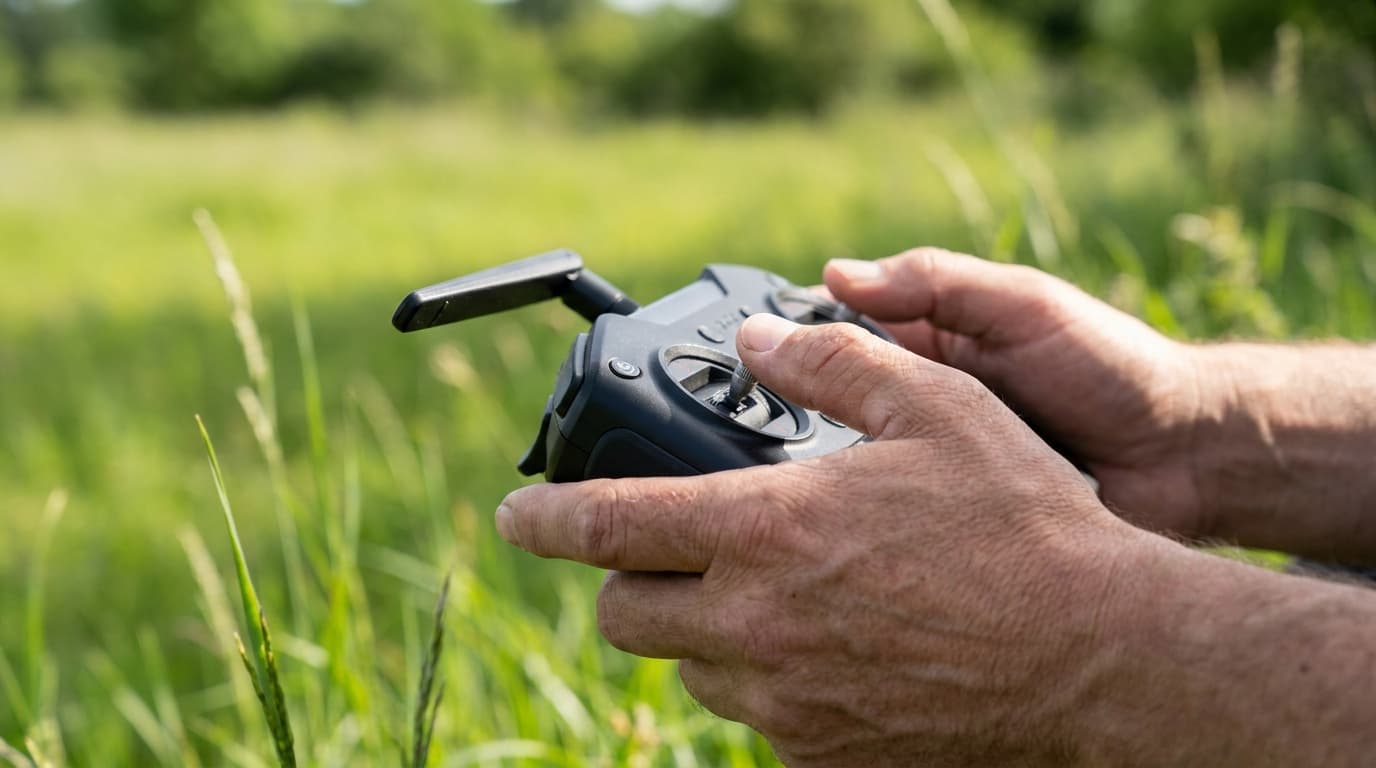
The bench checks the setup. A short hover checks whether the complete aircraft stays stable under load.
- 01
Fit each propeller to the motor direction shown in Betaflight.
- 02
Hover low for 20 to 30 seconds in a clear area, then land deliberately.
- 03
Check every motor, screw, lead, antenna, and battery strap before a normal flight.
Stop for oscillation, hot motors, unexpected drift, link warnings, or a frame sound you cannot explain. Repair the cause before tuning around it.
Official documentation
Check the version before using a setting
Reviewed July 22, 2026. Firmware menus and default settings change. Use these links to check the current release.