Skip to content
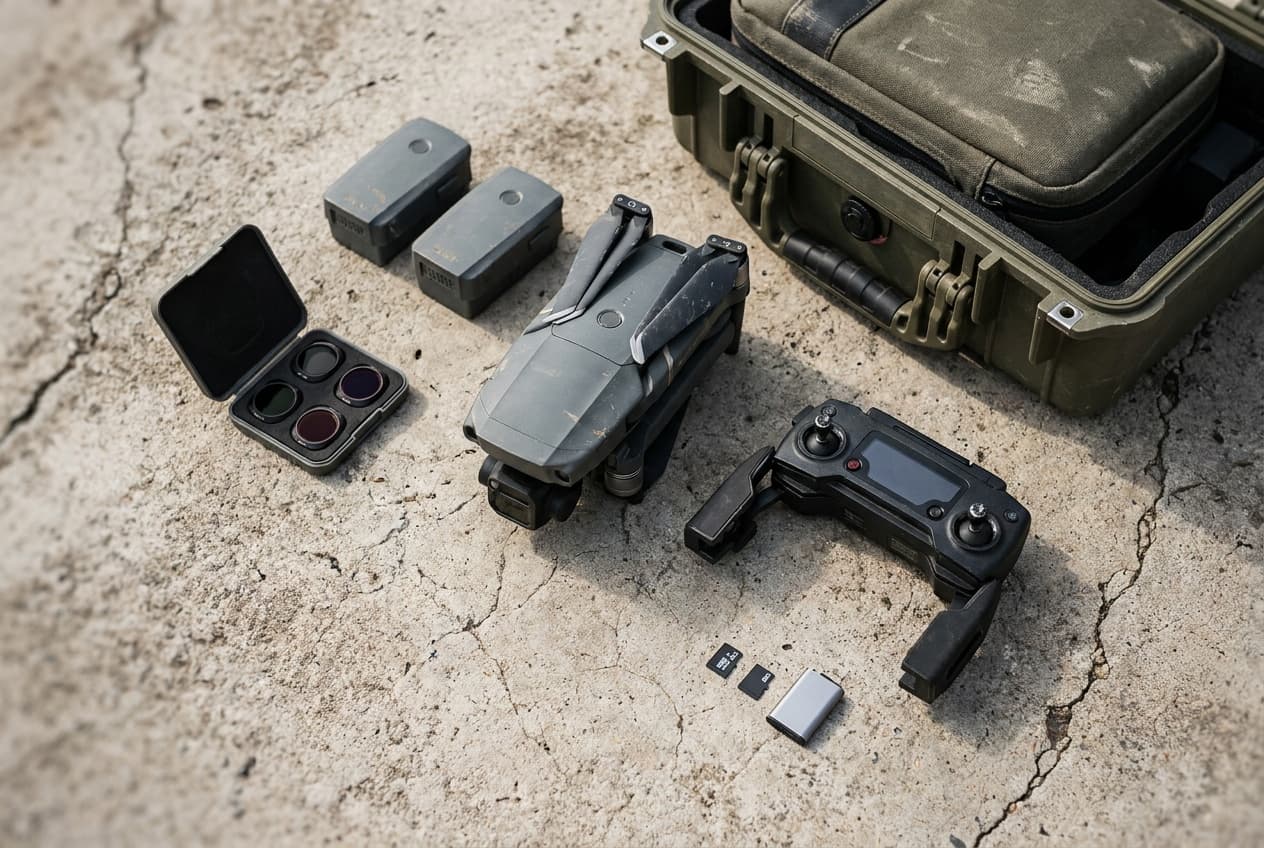
Drone, batteries, controller, filters, and field case arranged for an operation

Free operations center

Plan the mission. Record the flight.

One working record for the brief, airspace checks, crew, aircraft, weather, hazards, contingencies, flight history, and maintenance. No signup and no cloud account.

Operations desk

Opening saved plan

Build the brief, reduce the hazards, then record what actually happened. Your data stays in this browser unless you export it.

Mission readiness

Fill the plan before the props turn.

This is a planning record, not an airspace authorization. Recheck time-sensitive sources and conditions at the launch site.

Brief progress0%

Progress tracks core fields and preflight checks. It does not declare a flight safe or legal.

01 · Assignment

What is the mission?

02 · Site and airspace

Where will the operation happen?

03 · Crew and aircraft

Who and what are flying?

04 · Weather

What conditions define the go or no-go decision?

05 · Contingencies

Where does the operation stop?

06 · Preflight

Reconfirm at the site

Plan with live sources

Use the planner to capture the answer, then verify airspace, temporary restrictions, weather, and site conditions again near launch.

Reduce residual risk

A mitigation is useful only when it changes likelihood, severity, or exposure. High and serious residual risks remain stop signals.

Keep official systems official

LAANC, waivers, accident reporting, registration, and regulatory records still belong in the applicable FAA process.

Operating discipline

The record should sharpen judgment, not replace it.

The remote pilot in command remains responsible for the operation. The FAA directs the remote PIC to verify that the aircraft is in a condition for safe operation, conduct a preflight inspection, and comply with the operating rules and any authorizations that apply to the mission.

Questions

Before this becomes part of your workflow.

Does this planner authorize a drone flight?

No. It organizes your operating plan. It does not issue LAANC approval, a waiver, a weather briefing, launch-site permission, or any other authorization. Recheck current official sources before flight.

Where is my mission data stored?

The planner autosaves in the local storage of the browser you are using. Drone Authority does not receive the plan. Export a JSON backup before clearing browser data or moving to another device.

How does the drone risk matrix work?

Each hazard combines one of four likelihood levels with one of four severity levels. The resulting high, serious, medium, or low signal follows the qualitative matrix published in the FAA Risk Management Handbook. It is a decision aid, not proof that a flight is acceptable.

Can I export a drone flight log?

Yes. You can export flight and maintenance records as CSV files, export the complete planner as JSON, and print the full mission brief with its risk register and checklist.