Low-risk and reversible
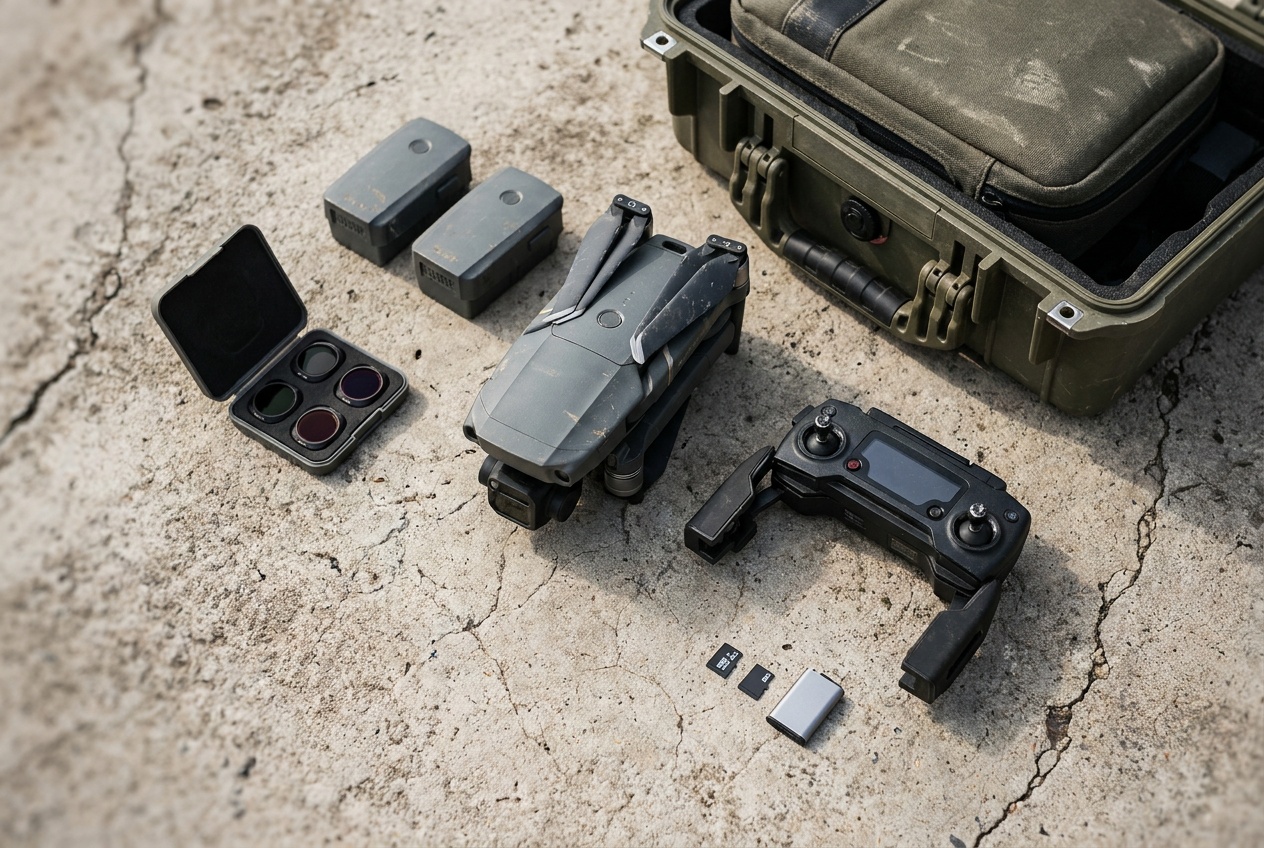
Includes: Off-aircraft cases, landing pads, approved memory cards, controller screen protection, and manufacturer-listed filters.
Verify fit, then keep the receipt and original configuration.
Gear · Ownership
A useful accessory solves a known constraint. A bad one changes weight, sensing, cooling, balance, radio behavior, warranty, or legal status without the pilot noticing.
 FIT · WEIGHT · FLIGHT TEST
Configuration calculator
Enter measured grams for the aircraft, battery, and mounted gear. Marketing weight is not a substitute for a scale.
Ready-to-fly weight
249.0 g
Below 250 g, but verify on a scale
This only addresses the federal weight exception. TRUST, airspace, Remote ID status, local launch rules, and the purpose of flight still matter.
Choose the change
A battery, camera payload, propeller, and repair part do not belong in one generic accessory bucket. Follow the system the change actually touches.
 Exact fit
Match batteries, propellers, filters, cases, controllers, and charging gear to the exact model and generation.
Open accessory fit guides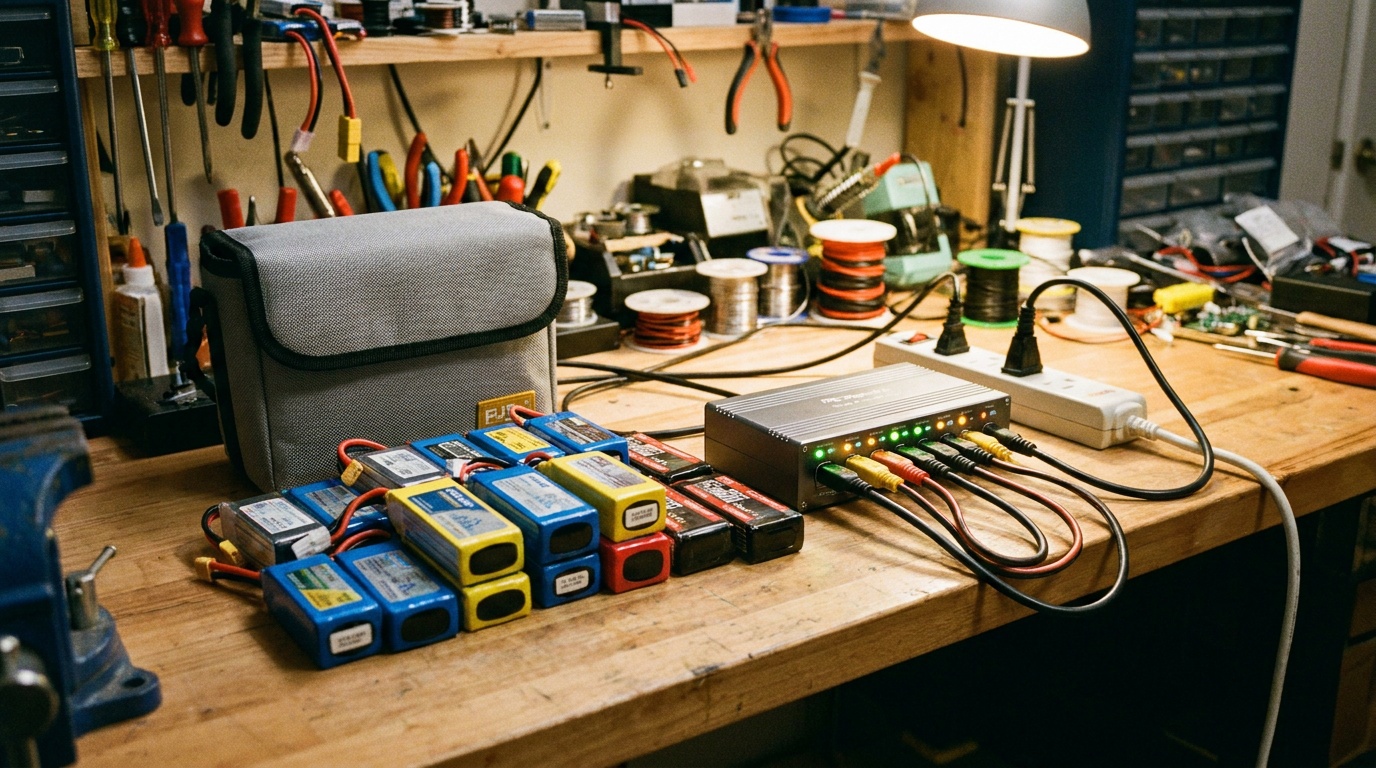 Power
PowerUnderstand cell count, voltage, connectors, storage charge, charging current, and why physical fit is not electrical compatibility.
Open battery guide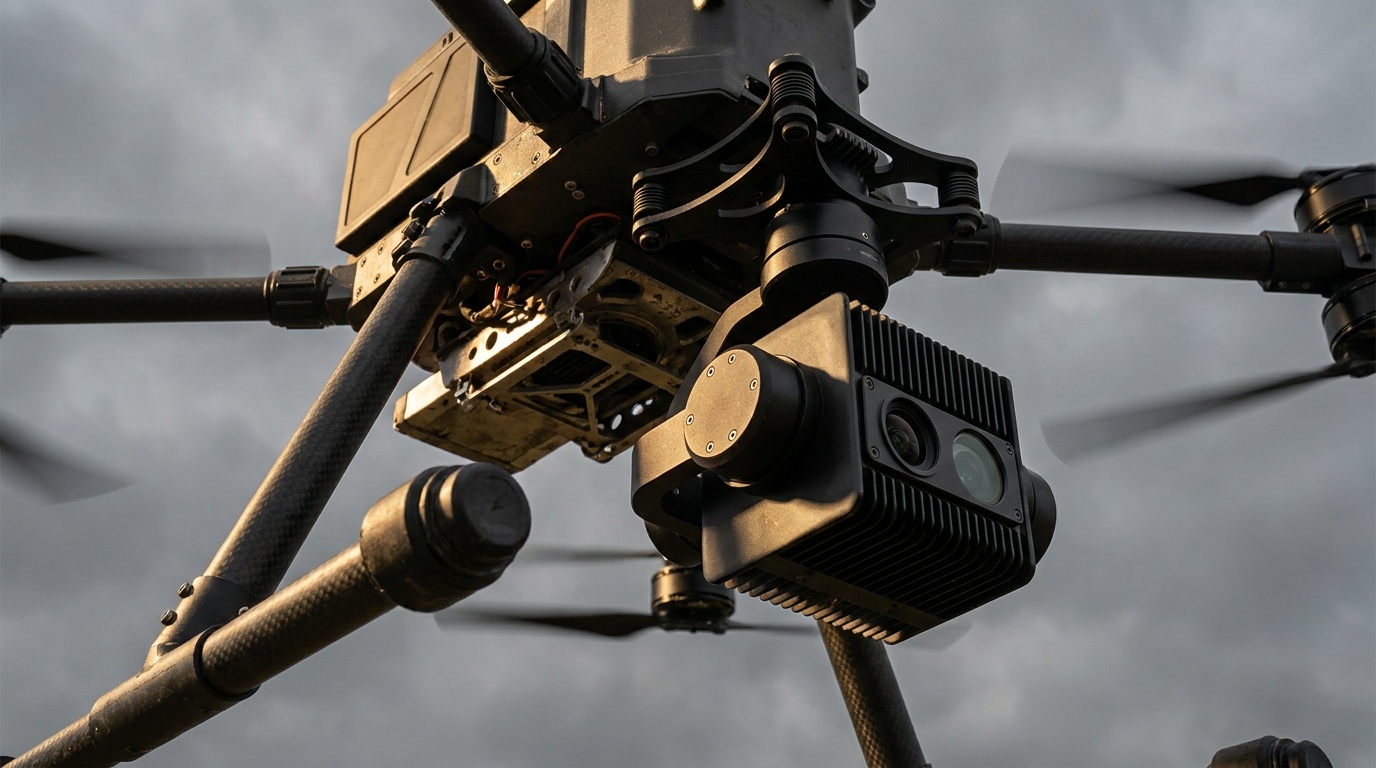 Capability
Thermal, zoom, LiDAR, multispectral, and gas detection change the aircraft, workflow, software, and regulatory stack together.
Compare payloads Recovery
Diagnose crash damage, isolate flight-critical parts, document the configuration, and avoid turning a repair into an undocumented experiment.
Open repair guideThe decision rule
More flight time, legal night visibility, cleaner motion blur, safer transport, and replacement crash parts are real constraints. Decorative mass and vague "universal" fit are not.
Includes: Off-aircraft cases, landing pads, approved memory cards, controller screen protection, and manufacturer-listed filters.
Verify fit, then keep the receipt and original configuration.
Includes: Different batteries, propeller guards, lights, landing gear, filters, payload mounts, antennas, and external modules.
Measure weight, balance, clearance, sensor view, cooling, and return performance before normal use.
Includes: Crossing 250 g, adding Remote ID, changing a registered serial, altering lights for night operations, or using the aircraft for Part 107 work.
Update the legal and DroneZone path before flight, not after an incident.
Includes: Unofficial firmware unlocks, transmission-power hacks, battery-cell substitutions, shell drilling, sensor blocking, and unapproved payload or propulsion changes.
Do not fly it as a normal consumer aircraft. Return to a supported configuration or use a qualified builder and documented test program.
Before the next full flight
One change can touch several systems at once. This is the minimum repeatable test after installing anything on the aircraft.
Weigh the exact aircraft, battery, storage card, lights, mounts, guards, and payload together.
Rotate every propeller by hand with power removed. Check gimbal travel, folding joints, vents, GPS, antennas, and all vision sensors.
Use the specified voltage, chemistry, connector, current capability, and charging method. A connector fit is not electrical compatibility.
Confirm the exact model, controller, battery, goggles, flight-controller target, and release notes before updating or rolling back.
Recheck arming, directions, modes, braking, failsafe, home point, return altitude, and Remote ID after any system change.
Record the installed configuration, measured weight, photos, firmware, test location, and outcome so you can reproduce or reverse it.
Stop conditions
Official floor
Start with the manufacturer manual and support page for the exact model. Then verify the federal registration and Remote ID result for the final configuration.