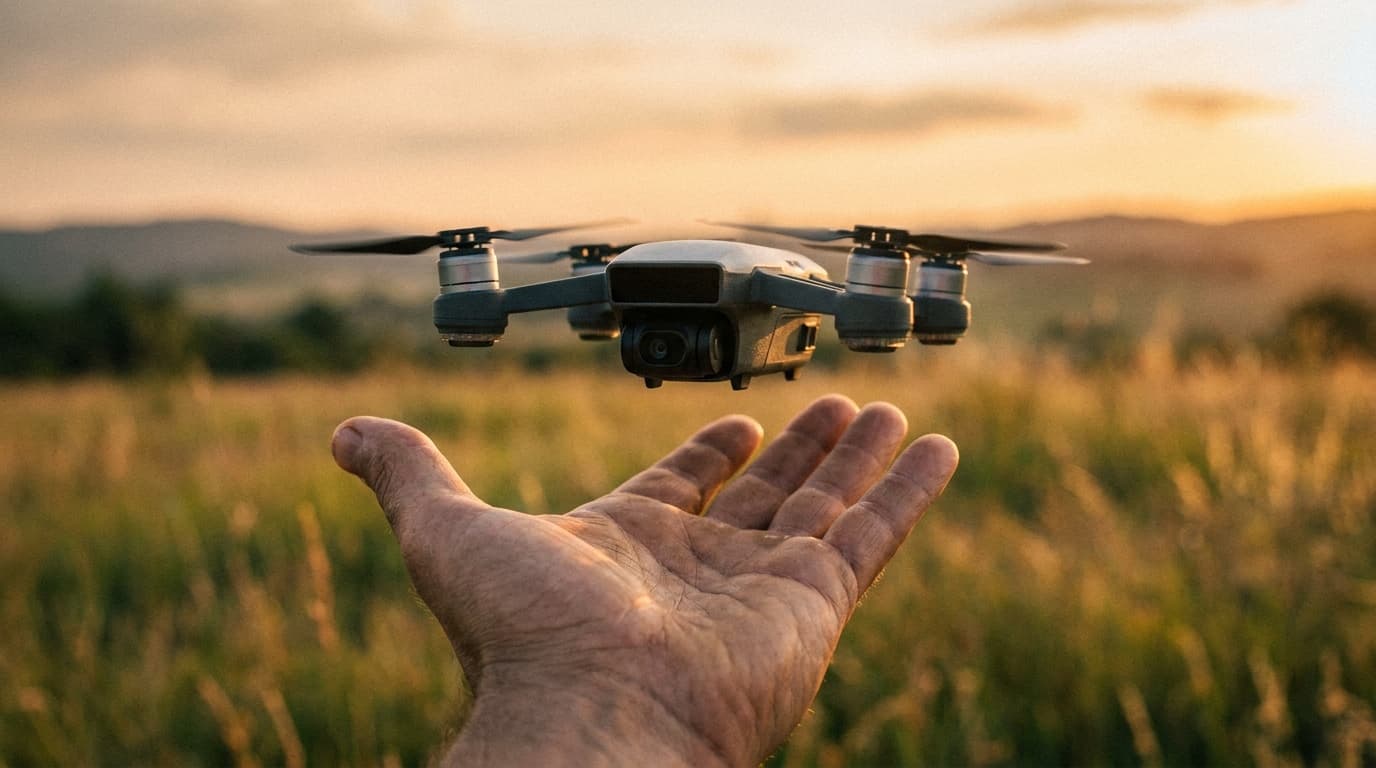
The short answer: register if your drone weighs 250 grams or more, or if you fly it for any commercial purpose, in which case weight doesn't matter. Registration costs $5, lasts three years, and takes about ten minutes at FAADroneZone. Below is exactly when you must register and how to do it.
Key facts
- Threshold (recreational)
- Register if 250 g (0.55 lb) or heavier; under 250 g is exempt
- Threshold (Part 107)
- Every drone must be registered, regardless of weight
- Cost
- $5
- Validity
- 3 years, then renew
- Coverage
- Recreational: one registration covers all your drones. Part 107: per-drone.
- Where
- FAADroneZone: faadronezone.faa.gov
- Minimum age to register
- 13 (an adult registers for younger flyers)
- Marking
- Registration number must show on the drone's exterior
- Remote ID record
- Enter the applicable aircraft or broadcast-module Remote ID serial number
- Certificate
- Carry the paper or digital registration certificate whenever you fly
Do you have to register?
Two things decide it: how much your drone weighs and why you're flying.
Recreational
Only drones 250 g (0.55 lb) and heavier need registration. A drone under 250 g, like a DJI Mini, is exempt when flown purely for fun. One $5 registration covers every recreational drone you own.
Commercial (Part 107)
Every drone must be registered, no matter how light, even a sub-250 g drone. Part 107 registration is per-drone, so each aircraft gets its own $5 registration and number.
The 250-gram line is the one number to remember
Sub-250 g recreational drones skip registration and Remote ID. The instant that same drone flies for a business purpose, both kick in. Weight only exempts recreational flyers.
The recreational-versus-Part-107 threshold is a common exam scenario. Practice the distinction in the Part 107 Regulations practice questions.
How to register at FAADroneZone
- 1
Confirm you need to register
Use the thresholds above: 250 g for recreational, any weight for Part 107.
- 2
Create a FAADroneZone account
Go to faadronezone.faa.gov and set up an account. You must be at least 13 to register; an adult registers for younger flyers.
- 3
Pick your category
Choose 'Exception for Recreational Flyers' or 'Fly sUAS under Part 107'. This determines whether one registration covers your whole fleet.
- 4
Enter drone details and pay $5
Add the make and model and, if applicable, the specific Remote ID serial number provided by the manufacturer. For a broadcast-module operation, use the module's Remote ID serial as FAA DroneZone directs. Pay $5 for a registration valid for three years.
- 5
Mark the exterior
Write, label, or engrave the registration number on an outside surface of the drone. Interior compartments are no longer allowed.
- 6
Carry the certificate
Keep the FAA registration certificate with you whenever you fly, either on paper or digitally. Anyone else operating your drone must carry it too.
Register at FAADroneZone
The official FAA registration portal. Don't pay third-party sites that charge more than the $5 federal fee.
Go to FAADroneZoneRegistration is not the same as Remote ID
Registering your drone is step one. A drone that is registered or required to be registered must generally operate as a Standard Remote ID drone, use a listed Remote ID broadcast module, or stay within a FRIA without Remote ID equipment. A flight may use another path only when the FAA specifically authorizes it. Keep the applicable Remote ID serial number current in the registration record.
Related rule
Remote ID
The three ways to comply once your drone is registered.
Tool
Do I need a license?
See registration, Remote ID, and license needs in one answer.
Sources
Rules current as of July 2026; verify at faa.gov/uas. Educational, not legal advice.