On this page
Finish these setup checks before going to the field
A successful bind does not mean the quad is ready to fly. Work through these three systems in order with every propeller removed.
- 01 / LiPo powerInspect the pack, calculate charge current and voltage, balance-charge it, and keep crash-damaged packs out of the queue.Open guide
- 02 / Control linkMatch the hardware band and firmware generation, bind, check CRSF channel data, and understand Model Match and link health.Open guide
- 03 / Flight controllerBack up the configuration, verify orientation, modes, motor map and direction, OSD, and the real failsafe response.Open guide
What the sim didn't teach you
Wind is the big one: sims model it politely; the real sky doesn't. Pick a calm morning (under ~8 mph for a first day) and expect everything to feel 20% more alive than the sim. Second: battery reality. Real packs sag under punch-outs, die in minutes not hours, and reward the throttle discipline the sim never demanded: land at 3.5V/cell resting, not when the video gets scary. Third: your hands will shake on the first arm. Normal. Hover, breathe, land, arm again: the shake is gone by pack two.
Site choice and the pre-arm checklist
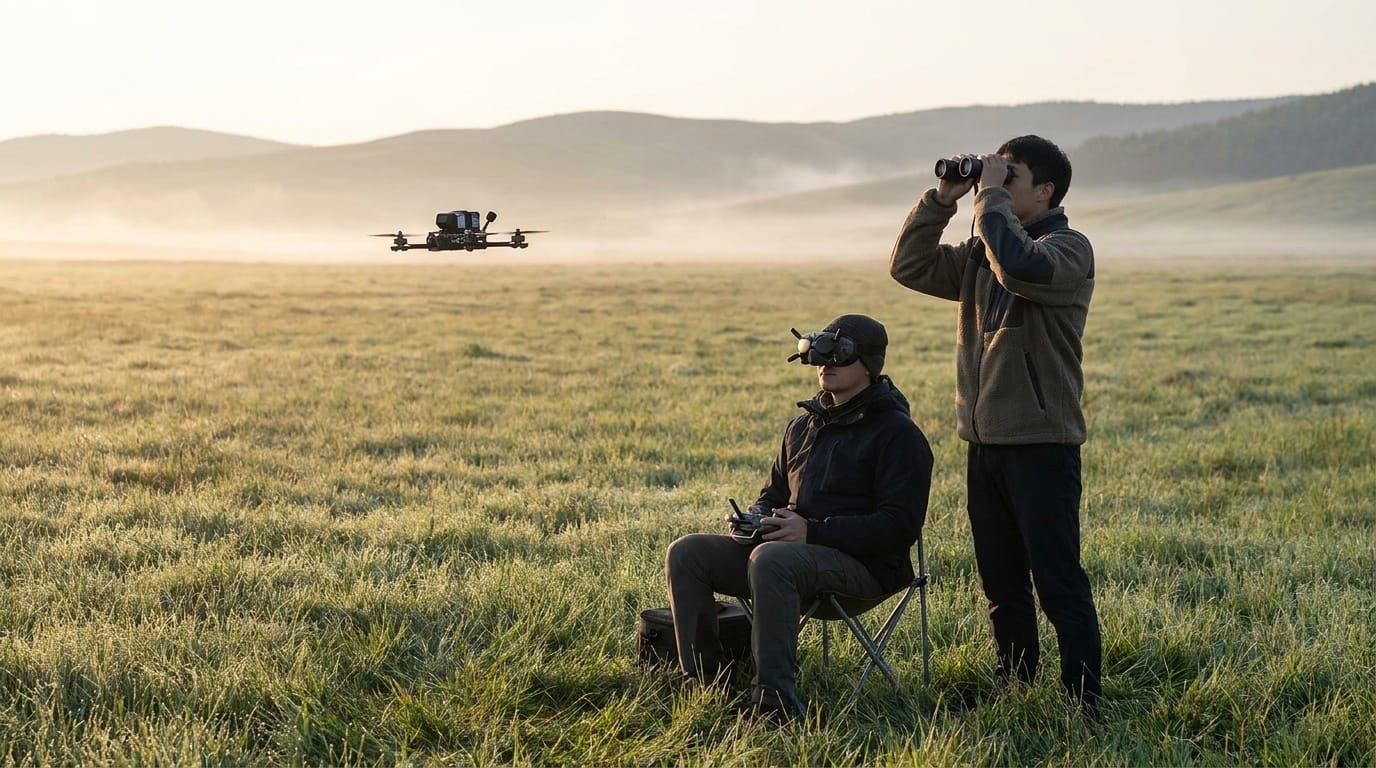
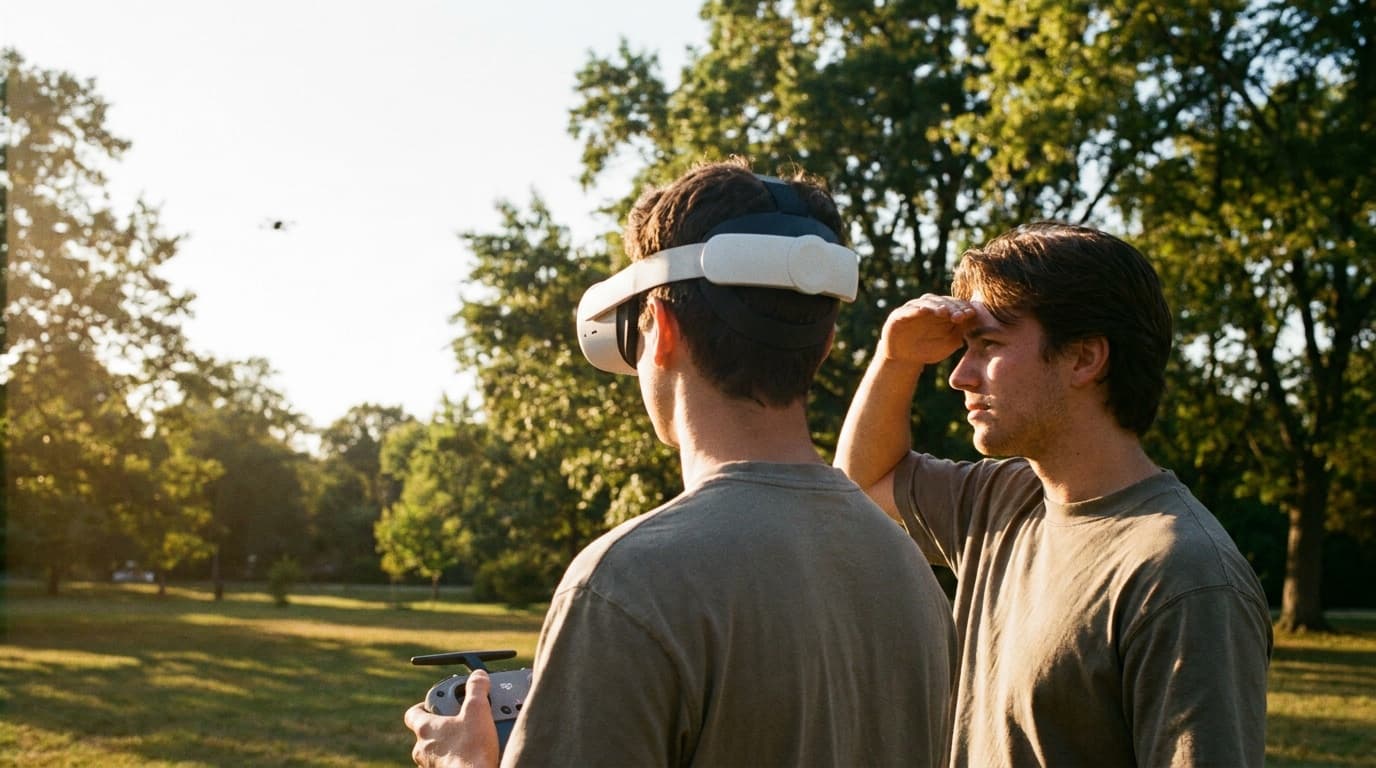
The perfect first site: big open grass field, no people, no obstacles you love, soft landings, and legal airspace: check it with Can I Fly Here the night before, and bring your spotter (goggles on = someone else keeps line of sight; the FPV rules explainer covers why that's not optional).
- •Failsafe: choose a deliberate Stage 2 outcome and verify it by switching off the radio on the bench with every propeller removed.
- •Arm switch: deliberate two-position switch; know it blind.
- •Props: right props, right direction, tight: after every bench session, check again.
- •Rates: fly your sim rates. Changing rates and reality on the same day is how orientation dies.
- •Beeper/finder: configured and tested. Long grass eats quads.
- •Video: channel clear of your spotter's phone hotspot and any nearby pilots.
The three-battery first session
- Pack 1: practice basic control. Arm, hover at eye level, gentle circuits, figure-eights, land on purpose three times. It will feel twitchier than the sim; that's air, not you.
- Pack 2: fly larger patterns. Bigger laps, gentle climbs and descents, one lazy roll if the sim made them automatic. Watch the voltage, land early.
- Pack 3: try one new thing. A single trick you own in the sim, high, over the softest grass. Then quit while you're ahead: the third-pack crash from tired thumbs is a tradition worth skipping.
The sim stays in the loop
The pros still sim daily. Rehearse every new trick on screen before it touches a real pack: the simulators guide is step one forever, not just before day one.
After the session
Storage-charge the packs you didn't fly and don't leave flown packs full overnight (the battery guide is the discipline). Check props and arms for stress marks, watch your DVR, your flying looks different from the outside and the recording is the honest coach, and log what you'll try next session. Two or three sessions from now, the 5-inch. After that, the discipline question answers itself.
Frequently asked questions
- What does the simulator NOT prepare you for?
- Four things: wind (sims undersell it: a 10 mph gust moves a whoop like a leaf), battery anxiety (real packs sag and die; the sim's infinite battery taught you nothing about pack management), the fear (your hands shake on the first real arm: everyone's do), and consequences (a sim crash is a reset key; a real one is a walk of shame and sometimes a soldering session). All four fade within a few sessions; only wind stays a real variable you plan around.
- What should my first real FPV drone be?
- A Tinywhoop-class ducted micro indoors, even if you own a 5-inch. It survives everything, threatens nothing, and converts sim muscle memory to real-air feel in the safest possible arena. Outdoors, a 3.5-inch or micro before the 5-inch: the 5-inch you built is real-deal fast and deserves a pilot whose hands have stopped shaking. Our microdrones guide has picks.
- What settings should I check before my first flight?
- Verify the configured failsafe outcome with props removed. Drop is the usual Stage 2 choice for an ordinary GPS-less freestyle or micro quad; GPS Rescue requires its own configuration and flight testing, and hold-last-command is not an acceptable Betaflight strategy. Also verify ARM, motor map and direction, prop orientation, rates, OSD warnings, link quality, and a beeper or finder.
- Do I need to register an FPV drone or follow special rules?
- Same FAA rules as any drone: under 250g recreational skips registration, over 250g registers ($5); TRUST certificate either way; and goggles mean someone must maintain visual line of sight: under recreational rules that's a co-located visual observer. Airspace applies in your favorite bando like everywhere else. Full breakdown in our FPV rules explainer.
Next steps
Open the guide or tool that matches the next decision.