DJI support for the Mavic 2 Pro ends August 31. Owners should check the aircraft now.
DJI says product inquiries, technical support, and maintenance for the Mavic 2 Pro stop at the end of August, making battery condition and repair risk more important than the aircraft's used price.
By Joel Kelly
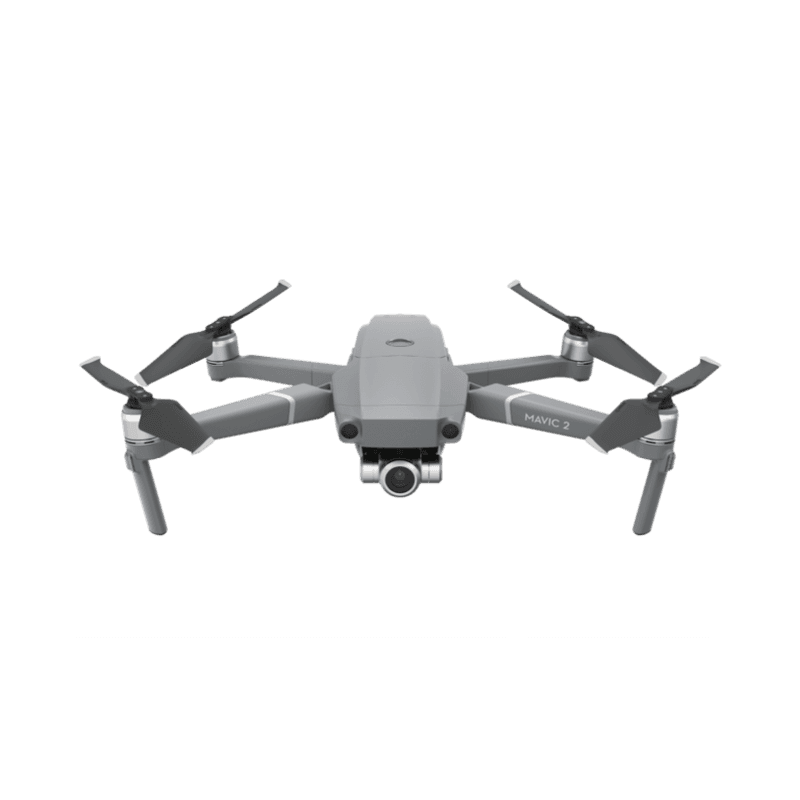
Decision brief
The Mavic 2 Pro does not stop flying on August 31, but DJI's official support path closes. Owners should handle any unresolved service issue before the cutoff, verify battery condition and Remote ID firmware, and decide whether a major repair would justify replacing the aircraft.
- Service cutoff
- Aug 31
- Production stopped
- Aug 2021
- Flight status
- Unchanged
DJI's listed date for Mavic 2 Pro
Five years before the support cutoff
The aircraft is not remotely disabled
What ends
DJI is closing the official service channel, not grounding the aircraft.
DJI's end-of-service notice lists August 31, 2026 as the service suspension date for the Mavic 2 Pro. After that date, DJI says it will no longer provide product inquiries, technical support, or product maintenance for the aircraft. Production stopped in August 2021. The separate Mavic 2 Zoom reached its listed service suspension date on March 31, 2026.
The date does not disable the aircraft, cancel its registration, or make a legal Mavic 2 Pro illegal to fly. It closes DJI's official support channel. Independent repair shops and used parts may remain available, but their inventory, diagnostic capability, warranty, and workmanship vary. A used listing that says 'DJI still supports it' will no longer be accurate after the cutoff.
Owner inspection
Use the remaining window to document the aircraft and inspect its batteries.
Owners with a current problem should open the official support conversation before August 31 rather than waiting for the aircraft to fail completely. Record the serial number, binding status, firmware versions, controller and app combination, battery cycle information, and any error messages. Starting a request before the deadline does not guarantee a particular repair outcome, but waiting removes the official path altogether.
Battery condition is the bigger everyday risk. Mavic 2 packs are aging, even when the aircraft has low flight time. Check for swelling, case separation, unusual heat, rapid voltage drop, cell imbalance, and storage history. Do not keep using a damaged pack because replacement stock is inconvenient. Verify every replacement is the correct Mavic 2 Intelligent Flight Battery and inspect it before trusting it over people or property.
Before August 31
A six-point Mavic 2 Pro check
Document the system while the official support path is still open, then decide what failure would trigger replacement.
- 01
Resolve current faults
Contact DJI now about existing gimbal, camera, propulsion, controller, or firmware problems.
- 02
Inspect every battery
Check swelling, heat, case condition, cell behavior, and storage history. Retire damaged packs.
- 03
Record the configuration
Save serial numbers, firmware versions, controller model, app version, and binding status.
- 04
Test Remote ID
For flights that require it, confirm the accepted firmware and live broadcast rather than assuming an old update still works.
- 05
Price the likely failures
Compare a battery, gimbal, camera, and independent repair against the cost of a supported replacement.
- 06
Set a replacement trigger
Choose the fault, downtime, or repair cost that would retire the aircraft before a paid job is at risk.
Keep or replace
Support risk matters most when the aircraft has no backup and earns money.
For U.S. operations that require Remote ID, verify that the aircraft is on the accepted firmware path and that its Standard Remote ID broadcast is working before the next paid flight. Also test the complete DJI GO 4 workflow on the phone or tablet you actually carry. An old aircraft can remain useful, but app compatibility, batteries, service access, and the cost of a camera or gimbal failure now belong in the same decision as image quality.
The sensible replacement threshold is mission-specific. A healthy Mavic 2 Pro can still make good images, and replacing it solely because of a calendar date may waste money. If the aircraft has suspect batteries, an intermittent gimbal, impact history, or a business-critical role with no backup, the support cutoff is a reason to plan the replacement before a failure chooses the timing for you.
Practical read
Who should pay attention
Strong fit
- Mavic 2 Pro owners with an unresolved fault or aging battery set
- Used buyers evaluating whether a low price compensates for the closed support path
- Commercial pilots who still rely on the aircraft without a backup
Account for
- Reading end of service as a remote shutdown or flight ban
- Assuming a request opened before August 31 guarantees repair or parts availability
- Treating low flight time as proof that a five-year-old battery is healthy
Source file
Verify the reporting
Continue on Drone Authority
Put the report to work
Continue this beat
More new releases reporting
Product watch · September 26, 2026
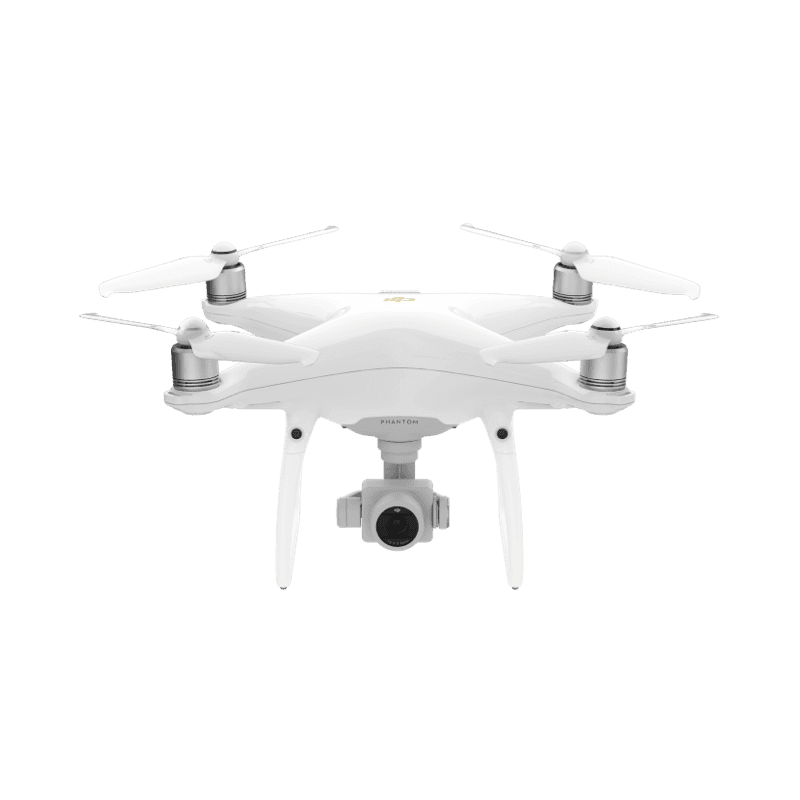
DJI support for the Phantom 4 Pro V2.0 ends October 31. Its older spray drones follow on November 2.
Product watch · September 12, 2026
Antigravity adds a 4G backup link to the A1. The Cellular Module is due by the end of September, with no price and no country list.
Product watch · September 5, 2026