Open-source flight · Integration
Test the mission in software first
Simulation cannot show that an airframe is safe, but it can reveal errors in coordinates, modes, mission steps, failsafes, and pilot procedures before the motors spin.
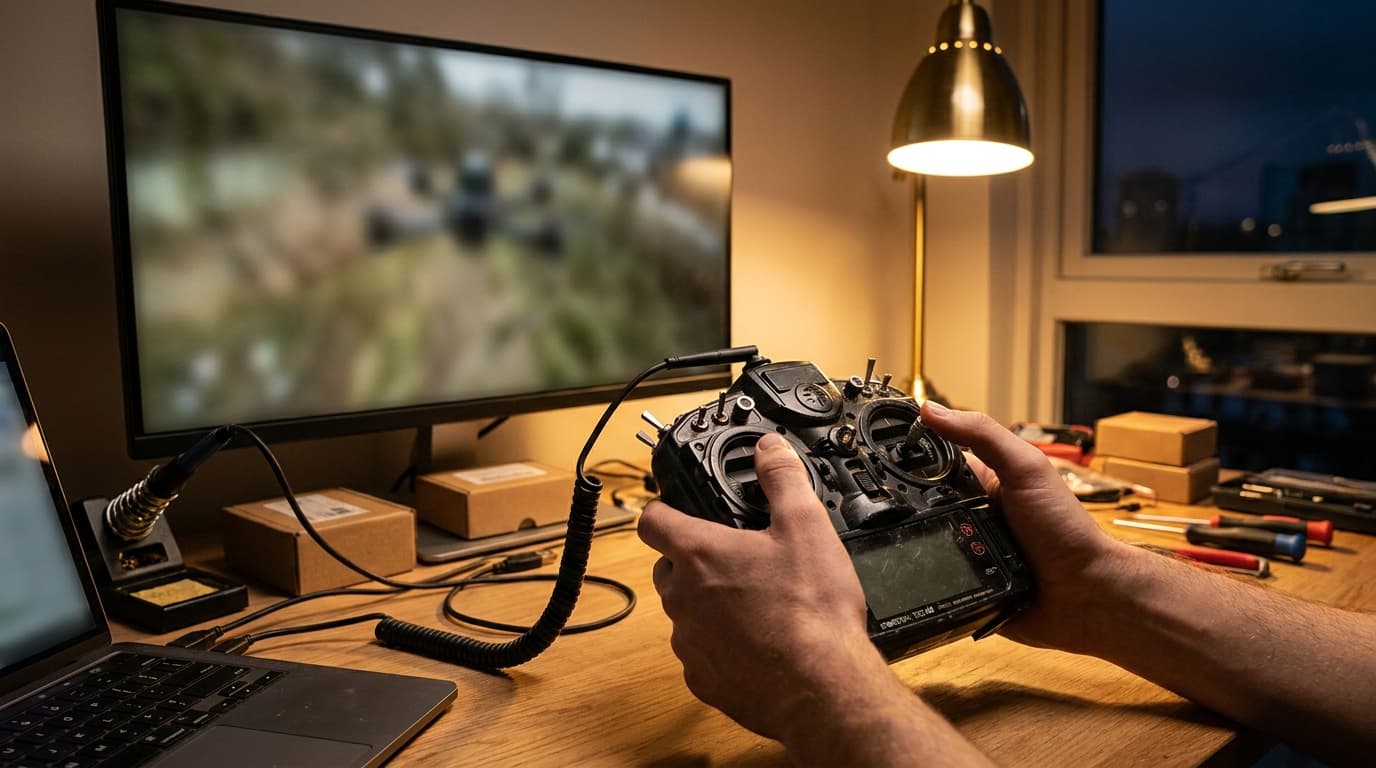 SITL · MAVLINK · FIELD
By Joel Kelly
Test sequence
Move on only after each test passes
Each stage names the setup to use and the result you need before moving on. Starting successfully is not the same as passing the test.
- 01
Software simulation
Setup: SITL for the chosen vehicle with the default model
Pass when: The vehicle starts, receives commands, changes mode, and completes a simple mission without hardware.
- 02
Ground-station link
Setup: Mission Planner, QGroundControl, MAVProxy, or the documented tool for the stack
Pass when: Settings, mission steps, telemetry, time, and coordinate frames agree at both ends.
- 03
Failure practice
Setup: A simulation with GPS, telemetry, battery, and mode failures
Pass when: Each failsafe selects the intended mode and the pilot can explain how to recover.
- 04
Hardware on the bench
Setup: The exact autopilot, receiver, sensors, telemetry, and actuators with propulsion disabled
Pass when: Sensor orientation, directions, limits, failsafes, logs, and power rails match the software setup.
- 05
Controlled flight tests
Setup: A legal open site, an observer, basic modes, and one written test at a time
Pass when: Manual control passes first, followed by one assisted feature at a time.
What MAVLink does
MAVLink moves messages. It is not the autopilot.
MAVLink carries vehicle status, commands, mission steps, settings, and telemetry. The autopilot, ground station, device IDs, coordinate system, message version, network route, and operator determine how those messages are used.
MAVLink 1 and 2
MAVLink 2 supports more messages and extensions. Confirm that every device and router supports the version you plan to use.
Device identity
System and component IDs tell vehicles and onboard services apart. Duplicate IDs can send a valid command to the wrong device.
Check the uploaded mission
Read the mission back from the vehicle. Confirm coordinate frames, altitudes, commands, order, home behavior, and upload results.
Link health
Measure message rate, loss, latency, routing, reconnect behavior, and what each failsafe does when telemetry disappears.
Signing is authentication, not encryption
MAVLink 2 signing helps a receiver verify message origin and integrity. It does not hide message contents. The official guide also warns that a channel cannot mix signed and unsigned packets arbitrarily, so signing policy belongs in the full link design.
Choose software
Choose the flight stack
Match the vehicle and mission to Betaflight, INAV, ArduPilot, or PX4.
Set up the airframe
Choose the fixed-wing or VTOL setup
Check the control surfaces, power states, launch, recovery, and VTOL transition plan.
Reviewed 2026-08-23. A simulation tests the software model. It does not show that the real aircraft is safe or grant permission for the flight. Check the exact aircraft, site, crew, software, radio links, and FAA requirements.