On this page
What the work is
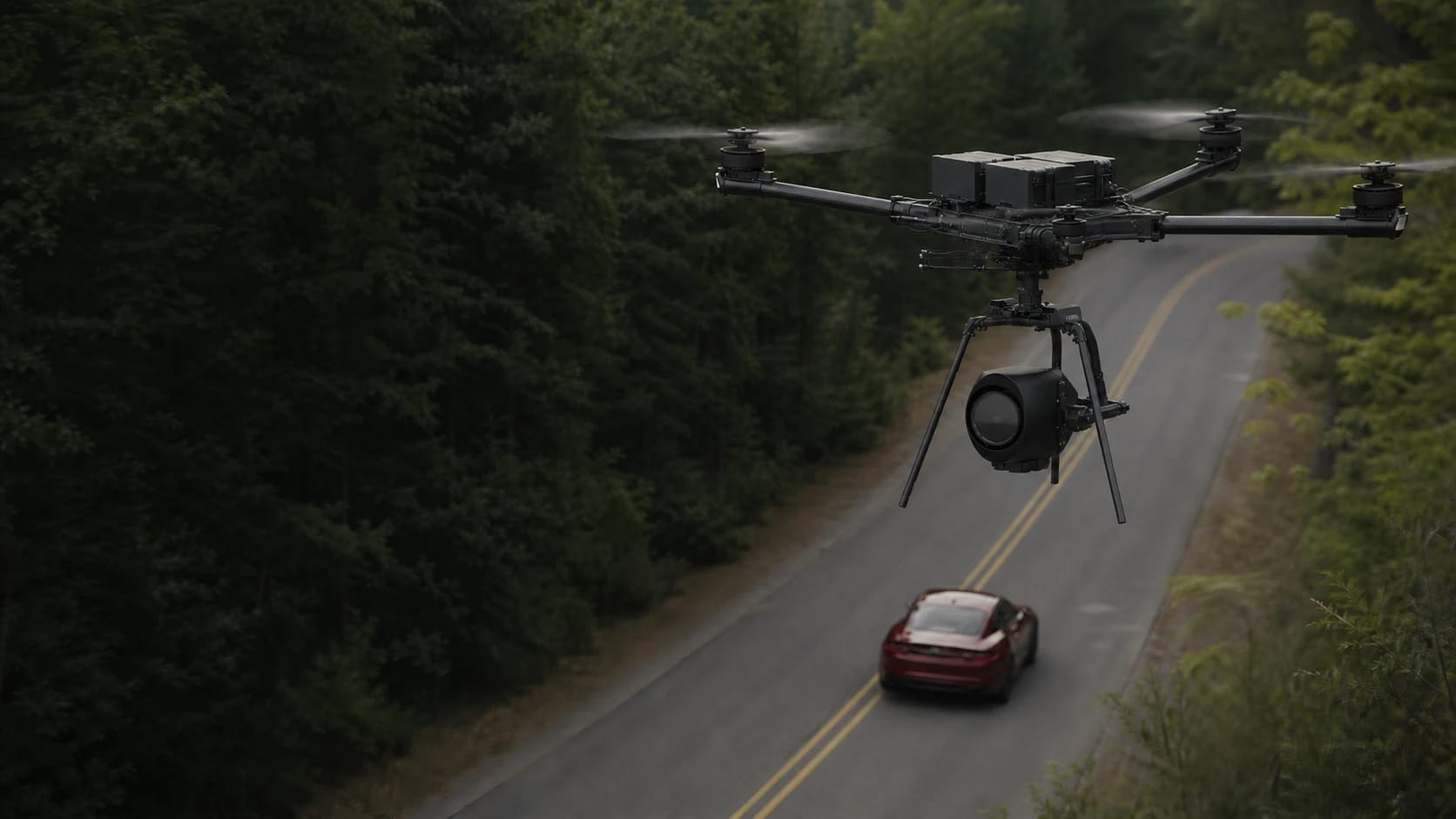
A drone camera department turns a creative brief into safe aerial camera originals. The work can range from a one-pilot tourism sequence to a closed-set crew with a remote pilot, camera operator, visual observers, producer, location team, talent control, and cinema payload. Preproduction defines the shot and legal operating envelope; production captures and logs it; post-production verifies, organizes, reviews, grades, and delivers it.
The client question
What exact story beat, movement, frame, duration, format, and approval standard must the aerial shot satisfy, and what operating controls make that repeatable?
A strong entry reel is built from controlled, permissioned sequences with shot lists and clean technical delivery, not risky one-off stunts. Start with compact productions where you can own flight, camera, media, and edit. Larger aircraft, FPV near structures, people, vehicles, controlled sets, permits, and broad usage add crew and planning long before they add creative freedom.
What clients buy
The output defines the job. Name the file, its acceptance test, who reviews it, and what it cannot prove before the aircraft launches.
Aerial camera originals
Clearly named, checksummed, backed-up source media with camera, codec, resolution, frame rate, color profile, lens or field of view, flight, and take information.
Delivered as
Camera originals, proxy media, checksum and media manifest
Shot plan and safety brief
Creative intent translated into launch area, route, altitude, speed, lens, timing, talent and vehicle control, crew positions, lost-link response, emergency landing zones, abort criteria, and approval owner.
Delivered as
Shot list, overhead map, risk brief, permit packet
Dailies and review set
Select takes synchronized with shot IDs, timecode or log references, notes, proxy files, review links, and a clear approval trail.
Delivered as
Proxy files, Frame.io review, camera report, contact sheet
Finished aerial sequence
An edited and color-managed sequence exported for the required campaign, broadcast, web, social, documentary, or production-delivery specification.
Delivered as
Mezzanine master, web derivatives, vertical and horizontal cuts
Choose one specialty
Choose a row before choosing gear. Each specialty has its own buyer, acceptance standard, vocabulary, safety system, and person who owns the final conclusion.
Brand and tourism production
BeginnerBuyer and output
Agencies, destinations, venues, hospitality teams, and local brandsEstablishing sequences, location reveals, campaign edits, web hero footage, and social crops.
What to learn
Briefing, intentional movement, light continuity, releases, music, fast review, and multiple delivery ratios.
Conclusion owner
The producer or client owns campaign claims, talent and location rights, brand approval, and final publication.
Documentary and unscripted
IntermediateBuyer and output
Documentary teams, networks, streamers, nonprofits, and independent producersGeographic context, observational sequences, repeat locations, clean plates, and detailed shot logs.
What to learn
Editorial context, continuity, sound and ground coverage coordination, releases, media custody, and verifiable captions.
Conclusion owner
The editorial team owns factual claims, subject consent, privacy decisions, and final context.
Scripted and commercial sets
AdvancedBuyer and output
Studios, production companies, ad agencies, and camera departmentsPrevisualized takes, coordinated talent or vehicle shots, permit and insurance packet, camera originals, and dailies.
What to learn
Set protocol, assistant directing, radio language, controlled access, operations over people analysis, repeat takes, color pipeline, and union or client rules.
Conclusion owner
The producer, location manager, safety team, and department heads own set control and production authorization; the RPIC owns the flight decision.
Cinematic FPV
AdvancedBuyer and output
Productions needing close, fast, interior, chase, or continuous-path movementPrevisualized FPV takes, pilot and spotter plan, protected route, action-camera or cinema media, and stabilization notes.
What to learn
Manual flight mastery, simulator and real-world progression, spotter communication, prop and battery systems, protected rehearsal, and high-consequence aborts.
Conclusion owner
FPV goggles do not remove Part 107 visual-line-of-sight duties or people, vehicle, property, and waiver requirements.
From scope to handoff
- Step 1 of 6
Translate the treatment into an aerial shot
Define the story beat, subject, start and end frame, path, altitude, speed, lens, duration, frame rate, color profile, time of day, sound or ground-camera relationship, and exact success criteria.
- Step 2 of 6
Scout the creative and operating envelope
Confirm location and launch authority, airspace, authorization, permits, NOTAMs and TFRs, people and vehicle exposure, wires, structures, RF conditions, sun, weather, emergency areas, crew positions, and privacy or sensitive subjects.
- Step 3 of 6
Build the production packet
Assemble pilot and aircraft documents, insurance, permits, map of activity, operating area, people controls, visual observers, comms, lost-link and emergency plan, shot list, camera settings, media plan, and responsible approvals.
- Step 4 of 6
Rehearse before escalating
Walk the path, rehearse crew and talent timing without flight, fly a low-risk version where appropriate, confirm abort calls, protect the set, and change one variable at a time.
- Step 5 of 6
Capture and log each take
Slate or announce the shot ID, verify settings and media, maintain crew communication, record deviations and best takes, inspect focus and exposure, and protect enough battery margin for an orderly abort.
- Step 6 of 6
Back up, review, and deliver
Create verified copies before format changes, preserve originals, make proxies, attach shot and camera logs, manage review versions, confirm color and audio handling, record approval, and export the contracted masters and derivatives.
Equipment by capability
Buy from the accepted output backward. A more expensive sensor cannot rescue a vague scope, weak method, invalid conditions, or missing review authority.
- Capability 01Compact production drone
- Often the best first system because it launches quickly, draws less attention, and can deliver strong establishing footage. Confirm codec, color profile, low-light behavior, wind margin, Remote ID, and client acceptance.
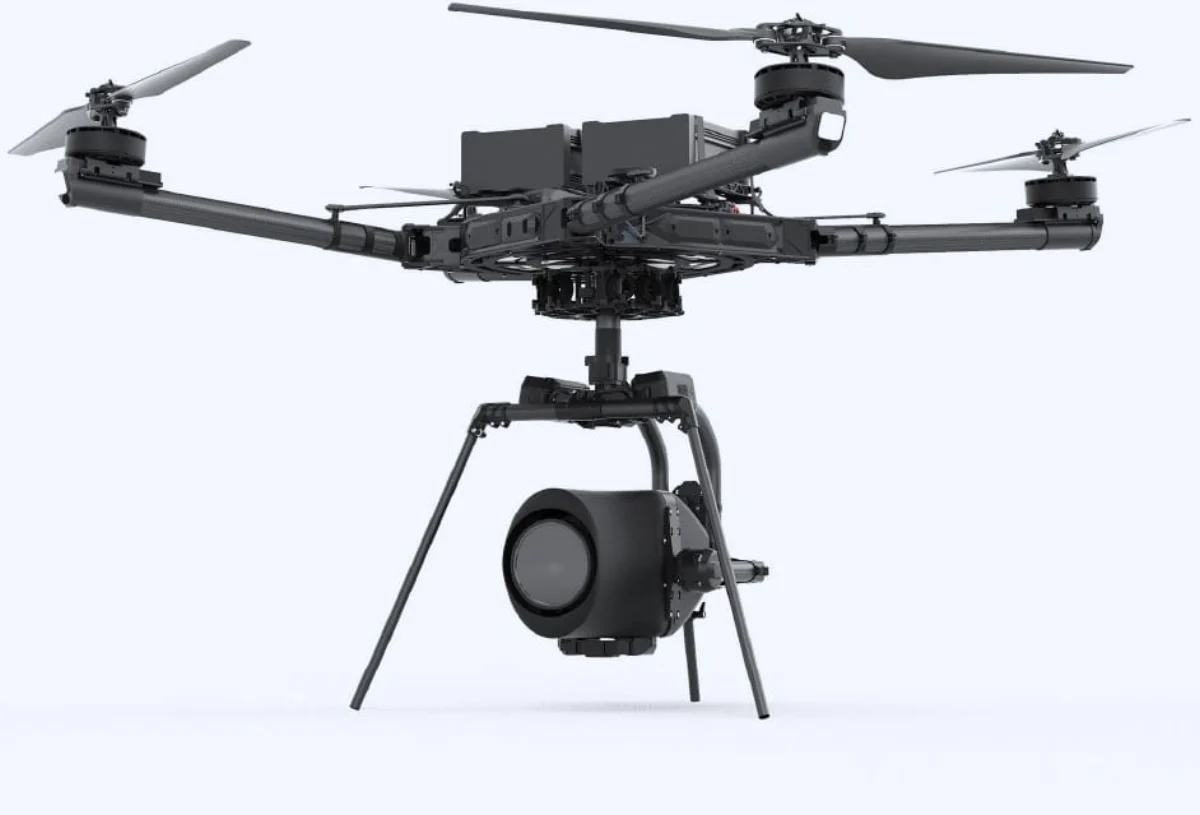
- Capability 02Cinema camera platform
- Useful when the production requires a particular camera or lens, higher data rates, separate camera operation, repeatable focus or exposure control, or integration with the main camera department. It adds crew, insurance, logistics, and operating complexity.
- Capability 03Cinematic FPV system
- A purpose-built manual aircraft can create paths conventional gimbals cannot. It requires disciplined training, protected rehearsal, a spotter and VLOS plan, reliable video and control links, prop safety, and a repair and backup strategy.
- Capability 04Media and crew kit
- Matched cards, labeled batteries, verified storage, field backup, monitor or video feed, radios, visibility gear, sun and weather tools, landing control, repair spares, and documentation matter as much as the airframe.
Software by role
Flight planning, processing, GIS, asset analysis, client delivery, and job sourcing are different jobs. Confirm aircraft, controller, payload, operating-system, export, storage, and offline compatibility before paying for a subscription.
- DaVinci Resolve
Role
Ingest, proxy, editing, color management, sound, review export, conform, and delivery
Use it when
You need one end-to-end post stack or must verify how drone log and raw media move into a managed finishing pipeline.
- Adobe Premiere Pro
Role
Original-media ingest, proxies, edit, color-managed sequences, graphics, review, and delivery
Use it when
The production or agency already works in Adobe and needs your media integrated into its existing editorial system.
- Frame.io
Role
Dailies, frame-accurate notes, version stacks, approvals, protected sharing, and compatible camera-to-cloud workflows
Use it when
Multiple decision-makers must review takes or edits without losing version history and approval status.
- Shot and flight planning tools
Role
Overhead maps, sun position, route rehearsal, airspace, permits, crew positions, and operating documents
Use it when
Any shot involves more than a simple open location or must be repeated for a producer, permit authority, or safety team.
Need the whole ecosystem? Open the drone work software guide.
How to learn the work
- Step 1 of 5
Learn to describe a shot before flying it
Write the start frame, movement, subject relationship, end frame, duration, lens feel, edit purpose, and abort point. If the shot cannot be described, it cannot be rehearsed or repeated.
- Step 2 of 5
Build camera and media discipline
Practice frame rates, shutter, aperture, ISO, filters, focus, white balance, color profiles, exposure tools, rolling shutter, codecs, card handling, backups, proxies, naming, and checksums.
- Step 3 of 5
Shoot controlled sequences, not a highlight reel
Create a five-shot story at a permissioned location. Hold frames long enough to edit, maintain screen direction, match light and movement, and deliver both originals and a finished cut.
- Step 4 of 5
Join a real crew
Assist a photographer, production company, camera department, location team, or experienced aerial operator. Learn radio discipline, call sheets, set control, releases, insurance certificates, and approval hierarchy.
- Step 5 of 5
Escalate one operating variable at a time
Add controlled talent, vehicles, larger cameras, FPV, tighter routes, night, or permit-heavy locations only after the corresponding skill, crew, aircraft eligibility, insurance, and authorization are ready.
A starter project worth showing
Field assignment
Produce a 30 second aerial spec sequence
At a permissioned low-risk location, create a treatment, five-shot list, operating map, safety brief, camera specification, flight and take log, verified media handoff, review link, and finished 30 second sequence.
Acceptance checklist
- Every shot has a story purpose and measurable start and end frame
- Location, airspace, people, crew, emergency, and abort controls are documented
- Camera originals, settings, shot IDs, backups, and checksums are organized
- The edit holds continuity and meets a stated color and delivery specification
- Location, talent, music, copyright, client license, and portfolio rights are explicit
Where the pilot role stops
Do not sell past your competence
- Limit 01Part 107 and airspace approval do not provide location access, film permits, talent releases, music rights, trademark clearance, privacy clearance, or permission to control a road or public space.
- Limit 02Routine flight over people or moving vehicles depends on the aircraft category and operating conditions. A closed set, visual observer, or insurance certificate does not independently create FAA compliance.
- Limit 03FPV goggles do not erase visual-line-of-sight responsibilities. Build the crew and operating plan around the current rule and any required waiver.
- Limit 04Define copyright ownership, client license or assignment, raw-media handoff, portfolio use, archive, confidentiality, revisions, and delivery acceptance in writing.
Primary sources
These links are the starting point for current rules, methods, and professional boundaries. Vendor documentation explains a product; it does not replace the FAA, a regulator, a project specification, or a qualified reviewer.
- FAA commercial operators
Current Part 107 commercial operating baseline.
- FAA operations over people
Aircraft-category and operating-pattern requirements relevant to talent, crew, assemblies, and traffic.
- FAA airspace authorizations
LAANC and DroneZone paths for controlled-airspace production.
- FAA Part 107 waivers
Advanced-operation relief and safety case process.
- FilmLA filming with drones
A current regional example of permit, questionnaire, pilot, aircraft, map, airspace, and insurance documentation.
- California Film Commission drone filming
State-property permit process; it is not a permit for every California location.
- U.S. Copyright Office for photographers
Ownership, licensing, registration, and enforcement context for original camera work.
- Blackmagic Design official Resolve training
Structured editing, color, audio, effects, collaboration, and delivery training.
- Adobe Premiere proxy workflow
Official ingest and proxy workflow for original and editorial media.
- Frame.io Camera to Cloud
Compatible-hardware workflow, naming, timecode, connectivity, and review context.
Next steps
Open the guide or tool that matches the next decision.
- Better aerial footagePractice exposure, camera movement, composition, continuity, and editing choices.
- FPV systems and disciplinesUnderstand freestyle, racing, cinematic FPV, components, training, and legal constraints.
- Drone job profit calculatorPrice crew, prep, permits, travel, gear, media, post, revisions, insurance, and risk reserve.
- Production drone providersSearch source-labeled aerial production companies by location.
- Build the mission equipment systemChoose the minimum aircraft, payload, power, field, software, QA, and delivery stack.
- Build the portfolio proofTurn this work into a permissioned sample with a brief, method, finished files, QA evidence, and handoff.
- Build the legal requirement stackCheck mission, airspace, people, night, aircraft, and approval triggers.
- Price the entire missionInclude travel, capture, processing, subscriptions, insurance, reserve, and tax.
- Build the operating briefRecord the crew, aircraft, site, weather, hazards, mitigations, contingencies, and flight outcome.
- Build the system around this workConnect the deliverable to its aircraft, payload, software, support, and approval path.
- Hire an experienced providerSearch the national directory when the mission is beyond your current aircraft, training, or risk tolerance.