On this page
Square away the legal basics
Before the props ever spin, make sure you are allowed to fly. Three things cover almost everyone:
- Register the drone if it weighs 250 g or more (see our registration guide).
- Pass TRUST if you are flying recreationally; it is free, online, and takes about half an hour.
- Check the airspace where you plan to fly. If it is controlled, you will need LAANC authorization first.
Check before you drive out
Use our Can I fly here? tool or a B4UFLY-approved app to confirm the airspace at your spot before you load the car, not after you arrive.
Prep the aircraft
Charge the drone, controller, and phone
All three. A dead controller or phone on site ends the day before it starts. Charge spare batteries too if you have them.
Update the firmware
Open the manufacturer app and install any pending firmware for the drone and controller. New drones almost always ship with an update waiting, and skipping it can disable flight features.
Attach the props and remove the gimbal guard
Seat the propellers fully (many use a push-and-twist lock), and take off the gimbal clamp that protects the camera in the box. Flying with it on can damage the gimbal motor.
Pick the right spot and the right weather
For a first flight you want a wide, open area: a large empty field or park well away from people, roads, power lines, and airports. Avoid trees and buildings that block GPS or cause a fly-away.
Wind is the rookie killer
Light drones get pushed around fast. Keep your first flight under about 10 mph of wind, and never fly in rain. If the trees are swaying hard, wait for a calmer day.
The launch sequence
Power on in order
Controller first, then the drone. Let the app connect and confirm you have a live camera feed and a healthy battery reading.
Calibrate if prompted, then wait for GPS
If the app asks for a compass calibration, do it; it is a slow rotation routine the app walks you through. Then wait for a strong GPS lock (usually “Ready to Go (GPS)”) so the drone can hold position and return home.
Confirm the home point
Make sure the home point is set at your standing location. This is where the drone returns if you lose signal or hit Return-to-Home; getting it wrong is how drones land in the wrong place.
Your first moves in the air
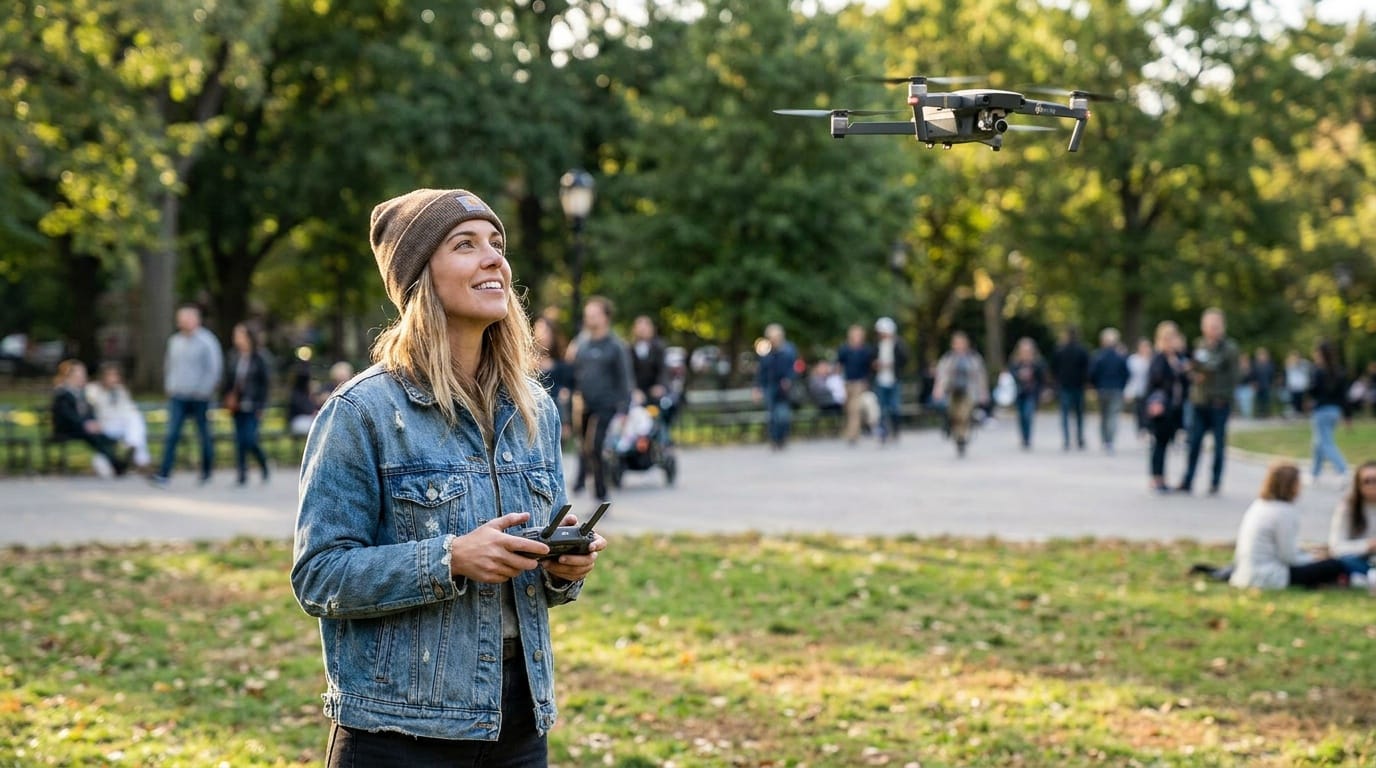
Take off to a hover about six to ten feet up and just let it sit for a moment; modern drones hold position on their own. Then make small, deliberate inputs: a gentle climb, a slow yaw, a short forward nudge. Keep the drone in visual line of sight the entire time; the camera feed is for framing, not for flying blind.
When you are ready to land, bring it back overhead, descend slowly to a low hover, and either set it down manually or use auto-land. Resist the urge to chase a cinematic shot on flight one; that is what the next ten flights are for.
Learn Return-to-Home now, not later
Find the Return-to-Home button before you need it, and know how to cancel it. It is your safety net if you lose orientation or signal, but it flies a straight line home, so make sure that path is clear of obstacles.
Next steps
Open the guide or tool that matches the next decision.